
Phone running slowly, charging slowly or low brightness?
See if your device is overheating using Thermals.
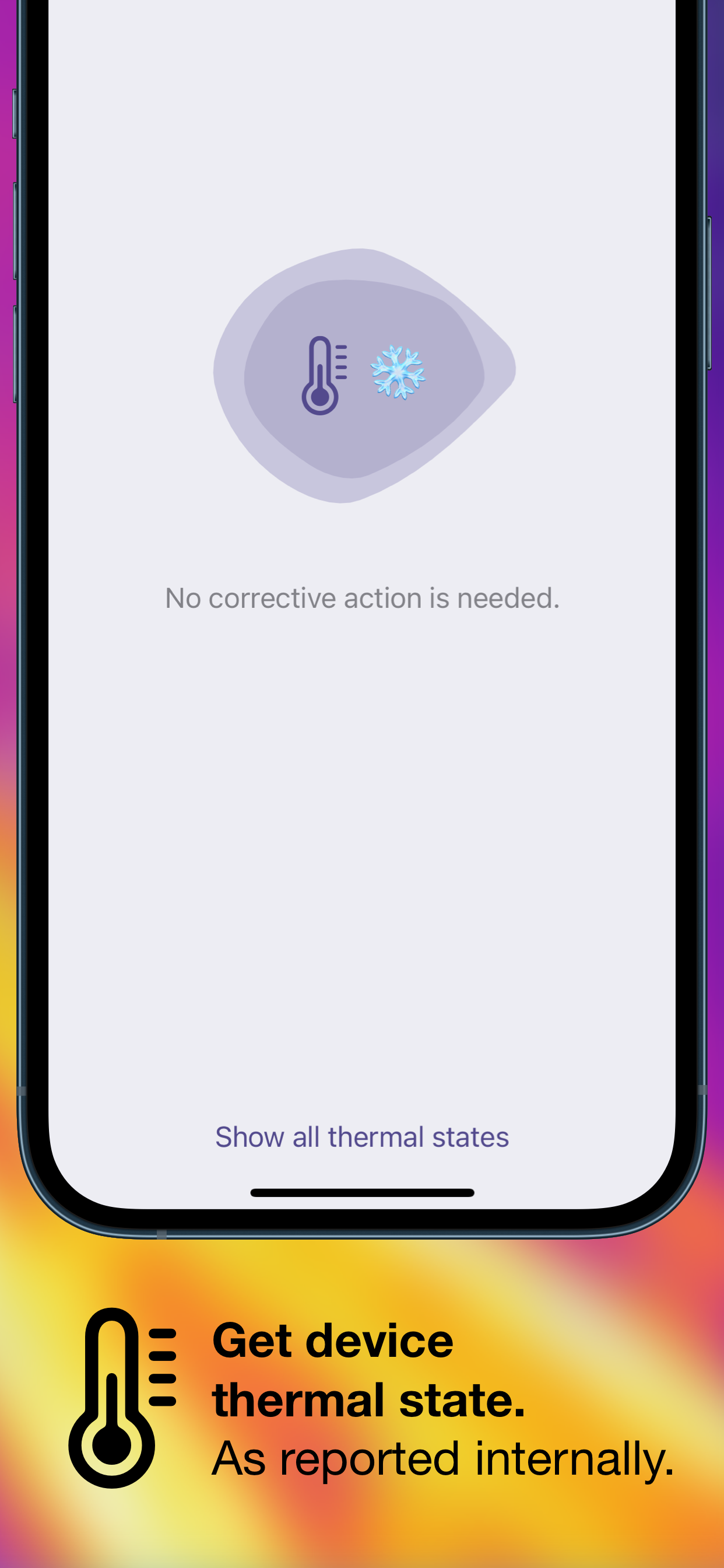
Thermals displays your device’s thermal state as reported by iOS.
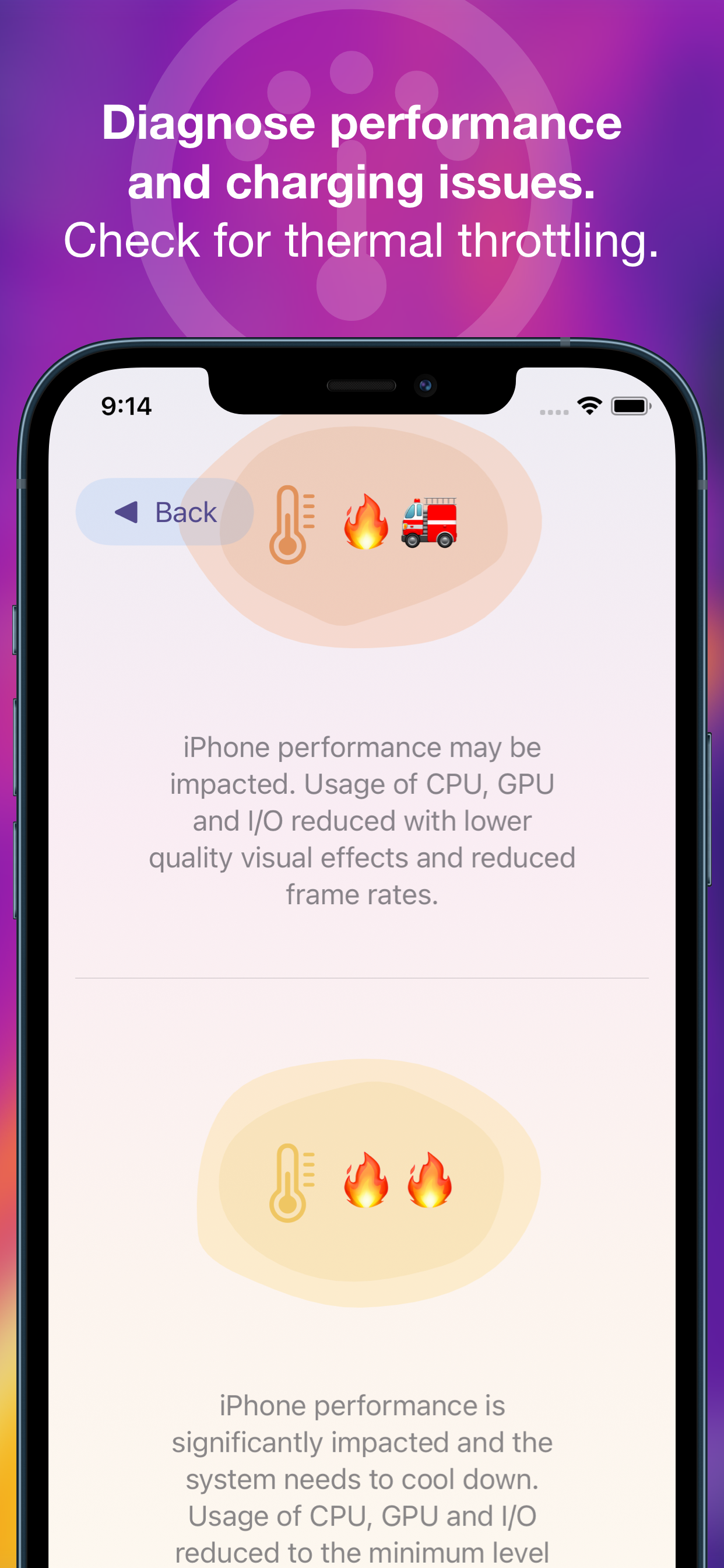
Thermals helps troubleshoot:
- Poor performance — iOS reduces processor speed when the device is hot.
- Slow charging — battery charging causes a lot of heat and iOS can limit charging speed to reduce the additional heat that might make a device too hot.
- Low maximum brightness — if your device screen stays dark despite being on full brightness, it could be limited by iOS due to heat.
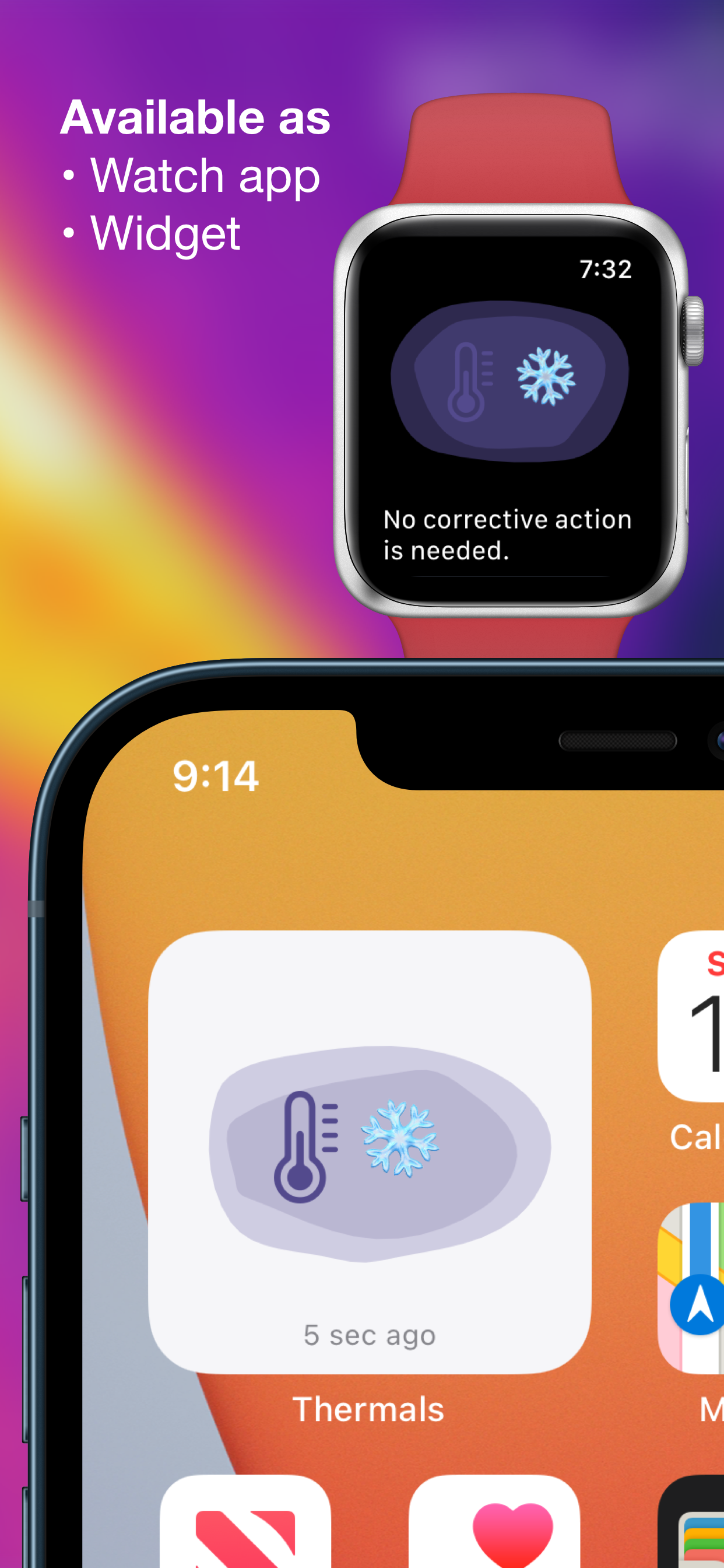
Also provides a widget to add to your home screen and an independent Apple Watch app to show the thermal status of your watch.
Leave a Reply to Overheat Cancel reply