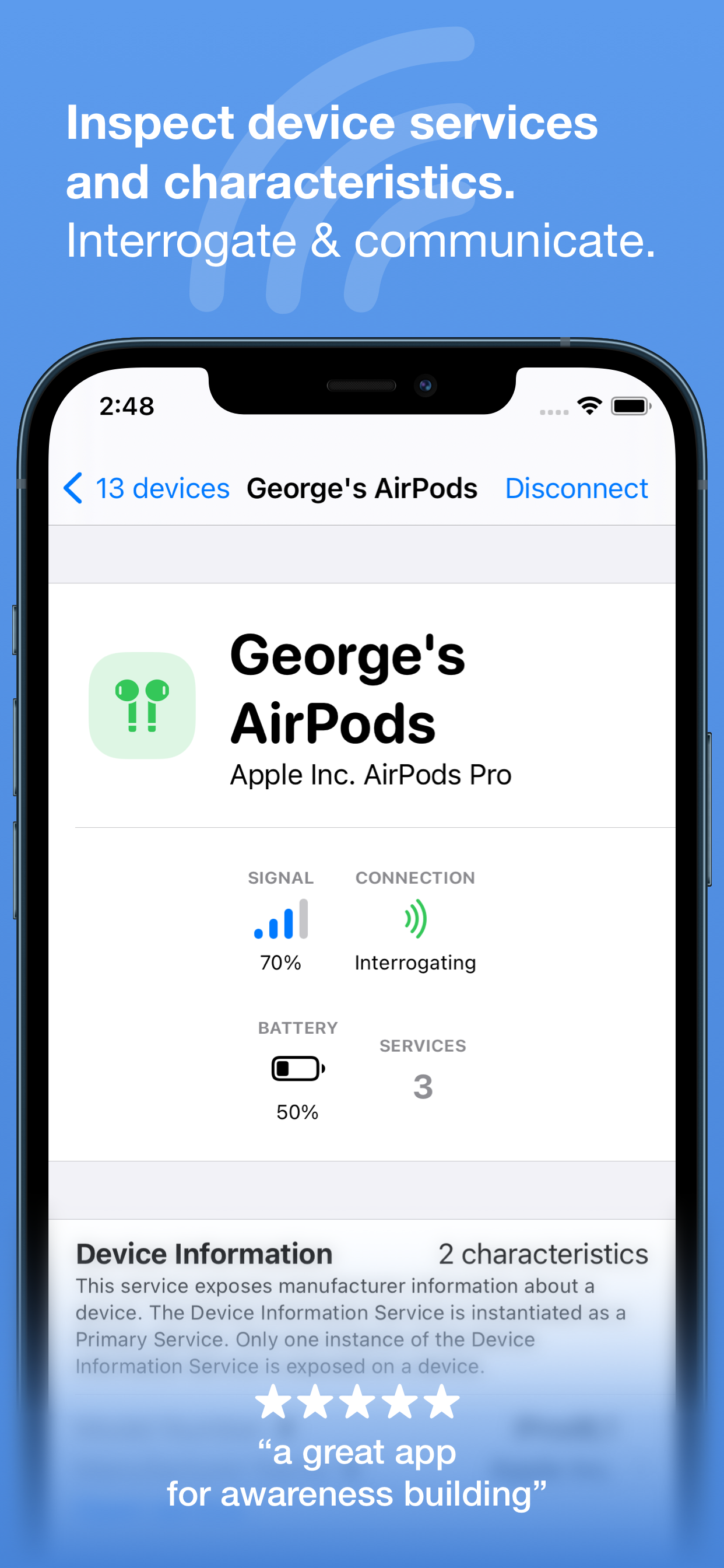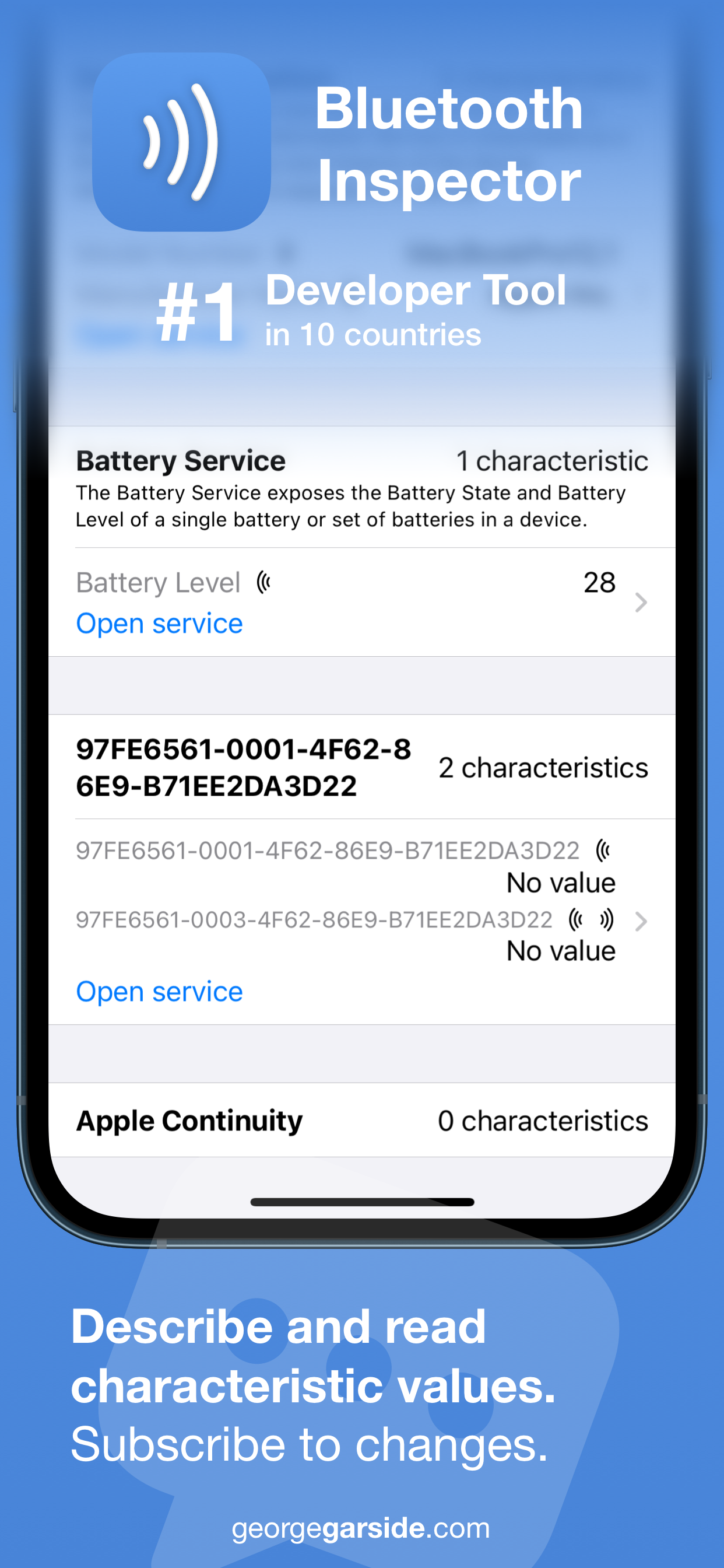
Discover nearby Bluetooth peripherals
and inspect their services for
characteristics and information.

Download on the App Store
Free • iOS and macOS
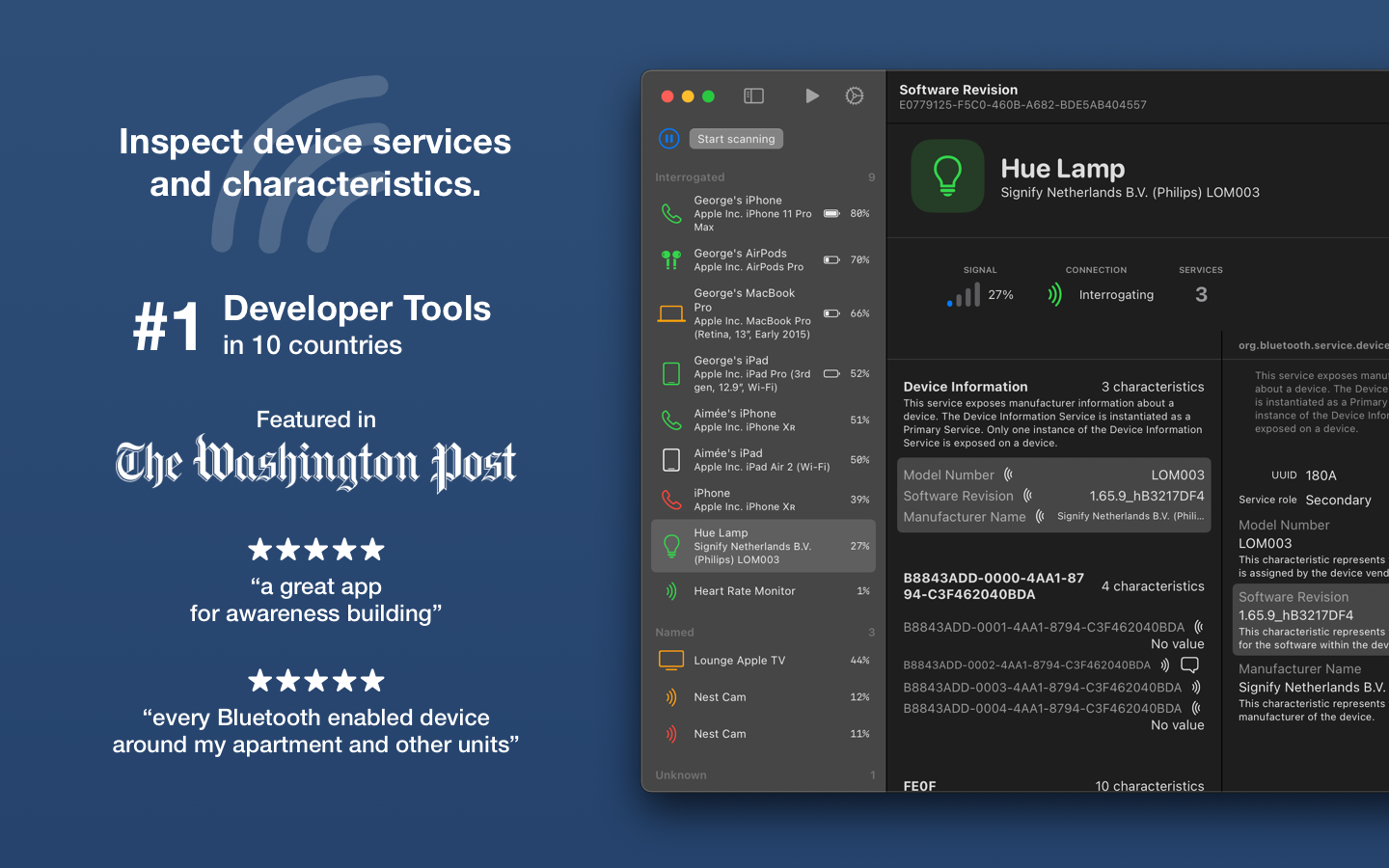
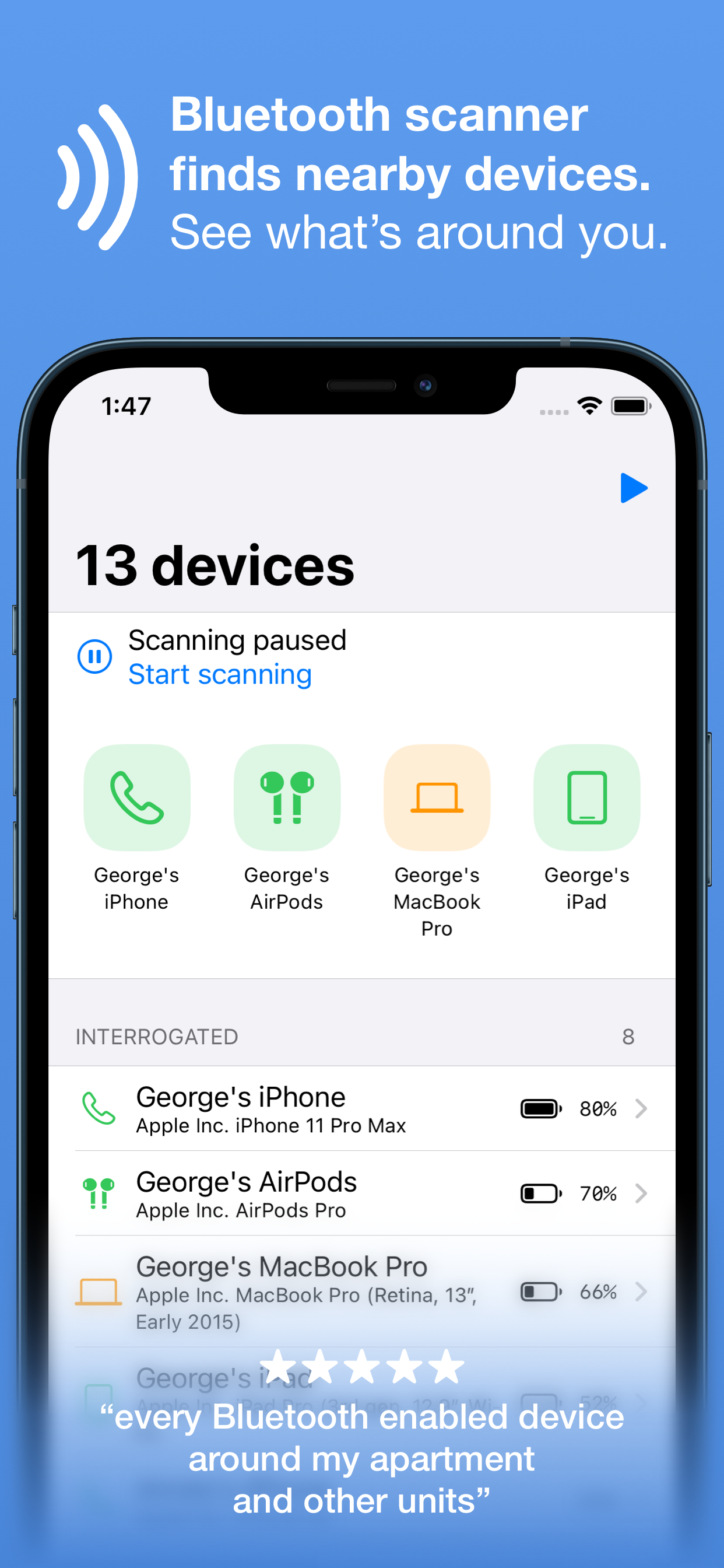
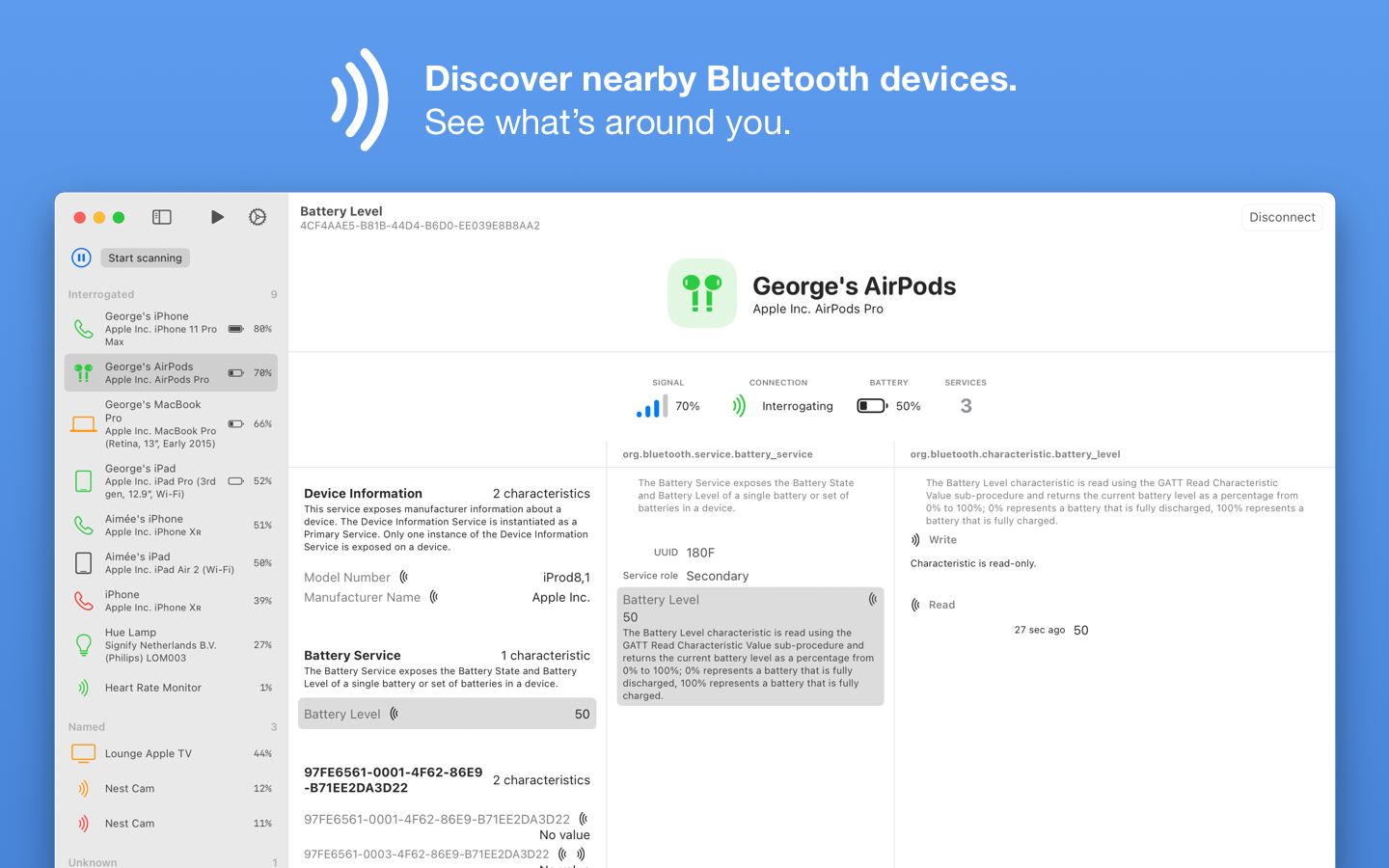
  • View information and signal strength for all peripherals and devices, updating in real time as you move around.
  • Get battery level for your own Apple devices (signed into the same primary iCloud account) — no need to install the app on all your devices.
  • See model identification broadcast by devices around you, mapping the Apple device identifier to the marketing name.
  • Extract software and firmware version strings from devices broadcasting this information.
  • Read any characteristic's value, even for services not well known and are custom to the device being interrogated.
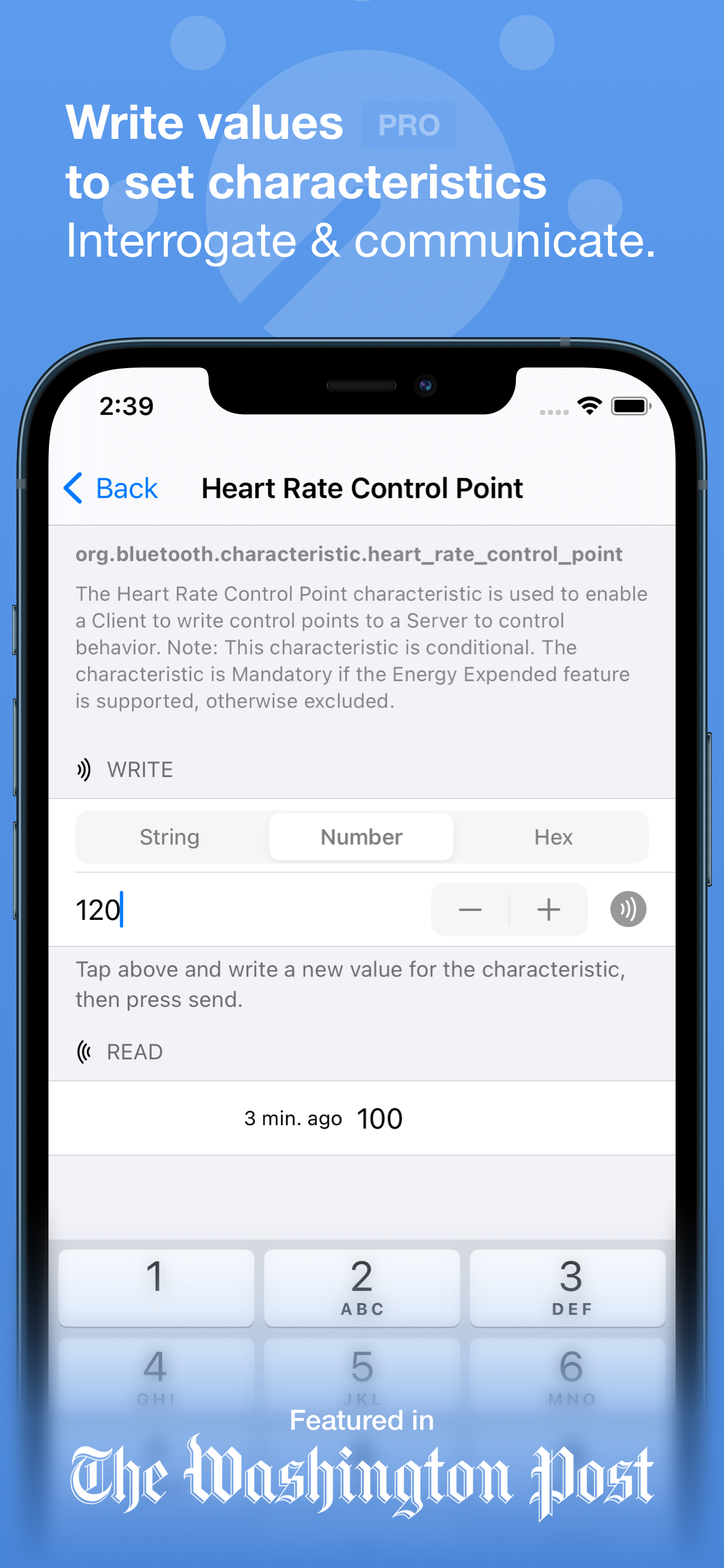
  • Write characteristic values back to the peripheral as string, numeric or hex (pro).
  • See a history of the value of a characteristic since the session started, timestamped to when the value changed (pro).
Download on the App Store
Free • iOS and macOS

Constant use of Bluetooth connectivity can drain your device's battery. Bluetooth connectivity is only used when this app is in the foreground and up to a few seconds after being backgrounded.


8 responses

Leave a Reply to Ron Cancel reply

Your email address will not be published. Required fields are marked *

  1. Sam
    1

    Hello. Great software. I wanted to report that when long tapping on the device header (where the name and the ID are displayed) in the single device page, the app crashes. I'm on iOS 18.7. Also, have you got any idea why a majority of devices show up as "Ericsson Technology Licensing"? Where do you retrive this information? Is it in the manufacturer data in the advertising? After interrogating one of them, it turned out to be a friend's Android phone, as indicated in that device's GATT data

  2. Noah
    0

    Hi, how do the percentages in your Bluetooth Inspector app compare to dBm signal in Bluetooth? Or is there another metric unit I can use to compare the percentages?

    1. George Garside
      1

      Hi Noah, the percentages are based on the reported RSSI. Unfortunately iOS does not expose dBm, only RSSI, which is then converted to a percentage. The raw RSSI is reported in the Session Log. Thanks for using Bluetooth Inspector!

  3. Piers
    0

    Would you be able to make its possible to label/name unknown devices?
    Then I could see devices not identified.
    Currently, I just have a long list of unknown devices.
    (Even just show the last digits of the ID in the listing)

  4. Ron
    0

    Is there a user guide?

  5. Duzie
    0

    Hello, I’m a novice about the Bluetooth inspector and I’m trying to find a couple of Bluetooth devices my ex put in my home, how do I use your app to locate them and how do I use the map feature to track them? Thank you for your time

    Sincerely,
    Suzie Duff

  6. Zugz
    0

    Came here to report a bug with the Bluetooth inspector app.

    I found the same bug that Sam reported. Long tapping on a listed device will crash the app.

    Great app! Keep up the good work.

  7. CptBrit
    0

    Is it possible for the same iPhone to be listed as different devices. It’s showing 3 iPhone’s all the same nr me. But should only be my own iPhone my wife’s showing.